How AI turns a photo into a video
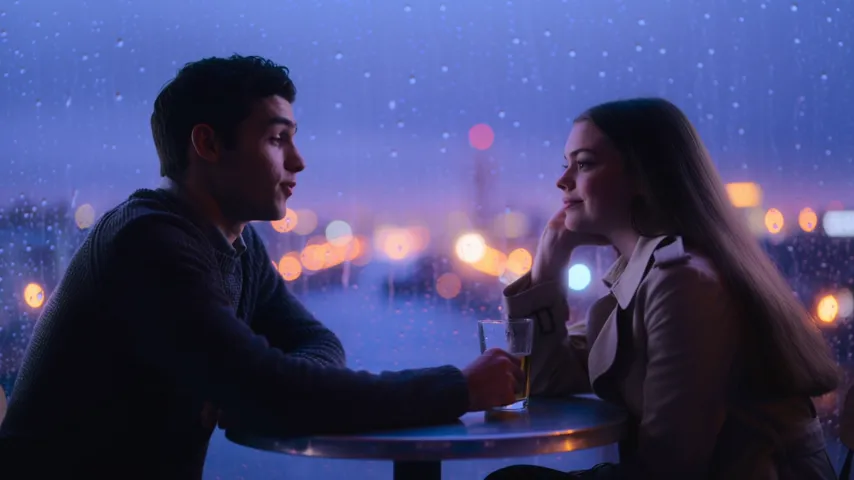
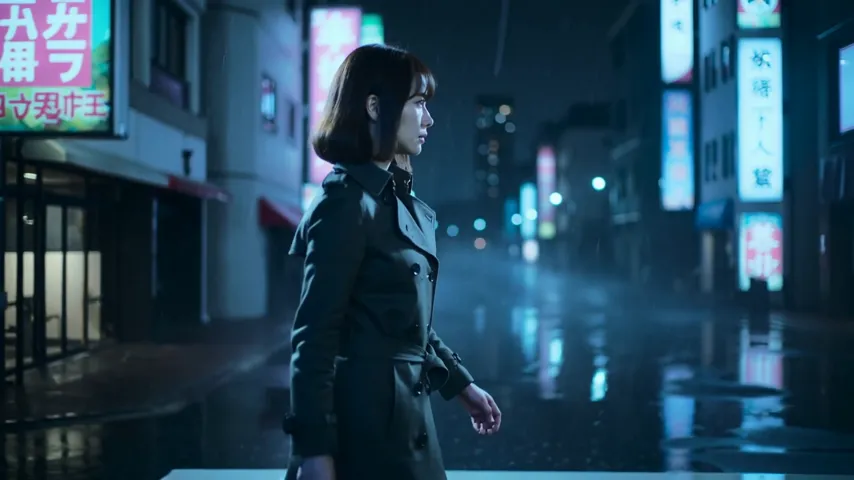
The technology is called image-to-video. The model analyzes the image, reconstructs depth and perspective, then generates the missing frames so the motion looks natural. You need two things: the photo itself and a short description of what should happen in the shot — for example, “the camera slowly pushes in, hair moves in the wind”. The full list of models is on the video generation page.
What works best
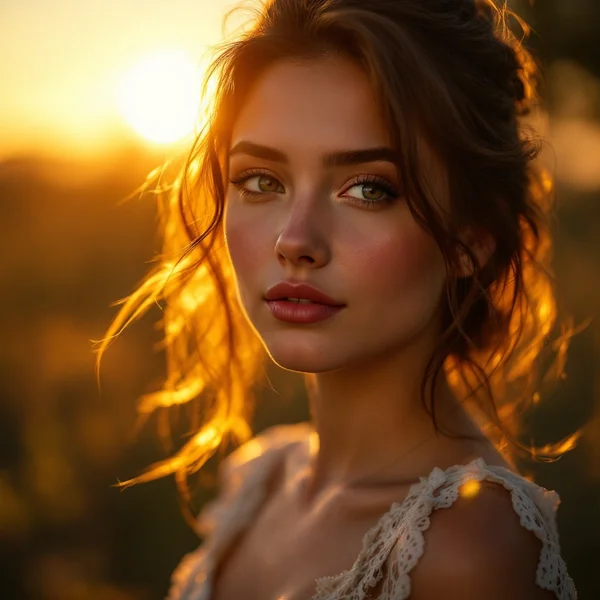
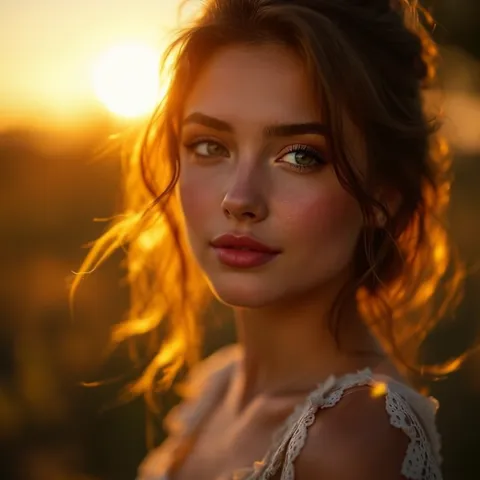
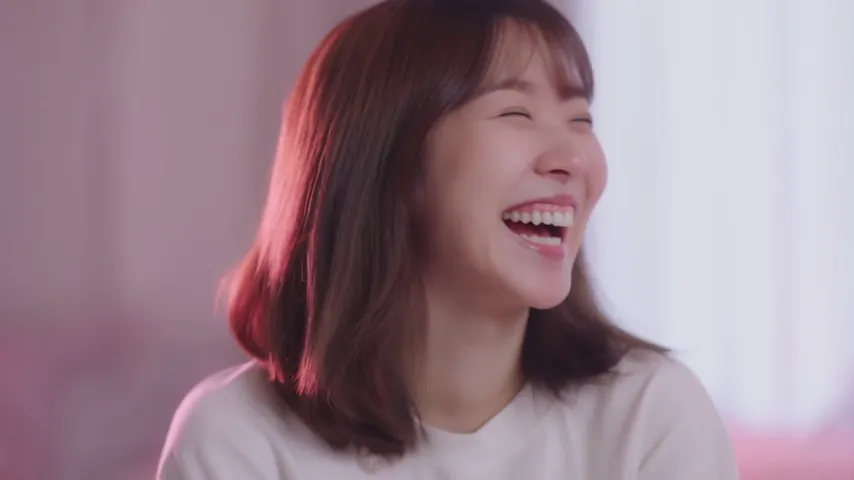
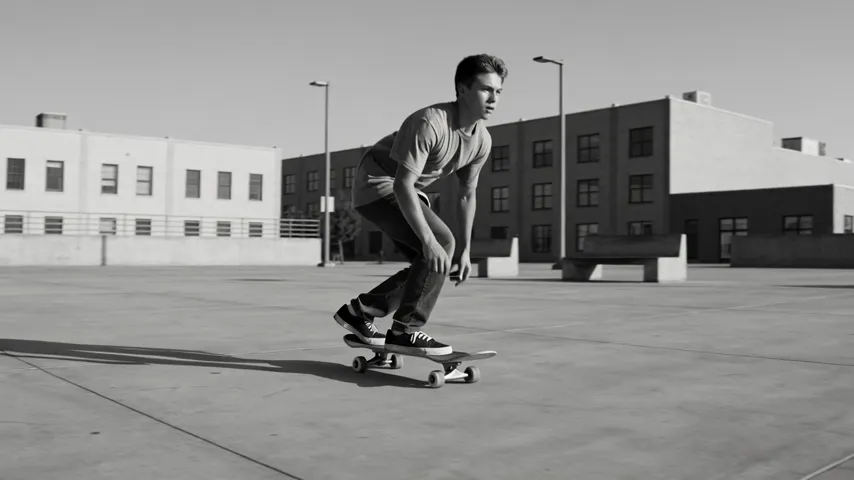
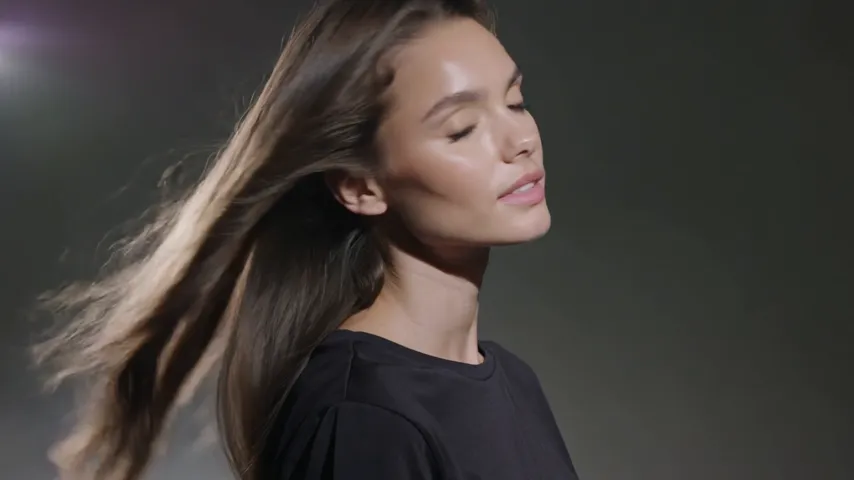
Shots with a clear main subject and a not-too-busy background work best. Portraits come to life most convincingly: the model can add facial expressions, blinking and head turns. Old family photos are a popular choice, but the result depends on the original’s quality — badly damaged shots are worth running through the editor’s upscaler first.
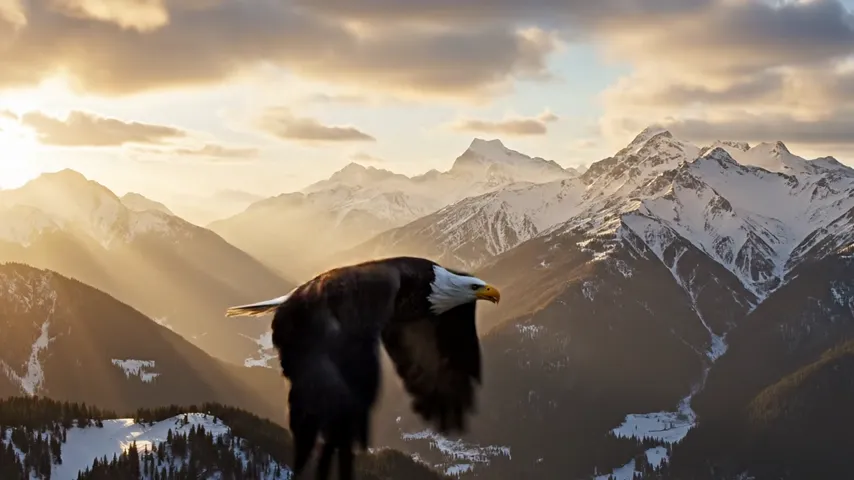
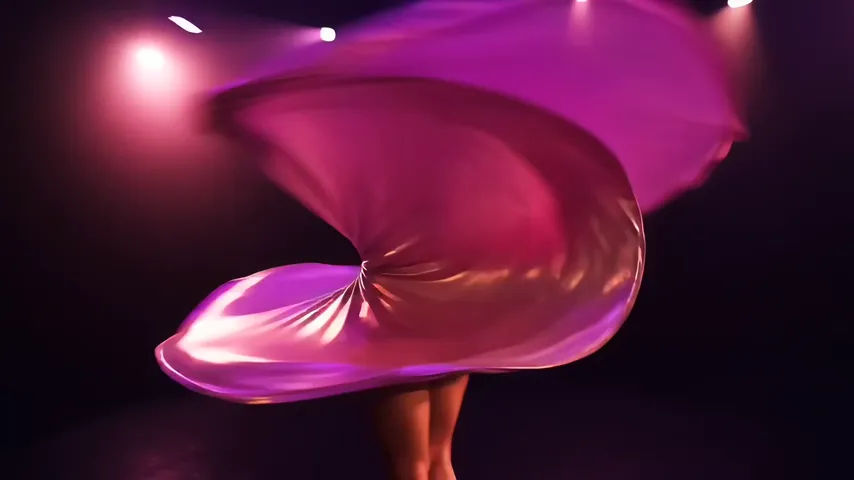
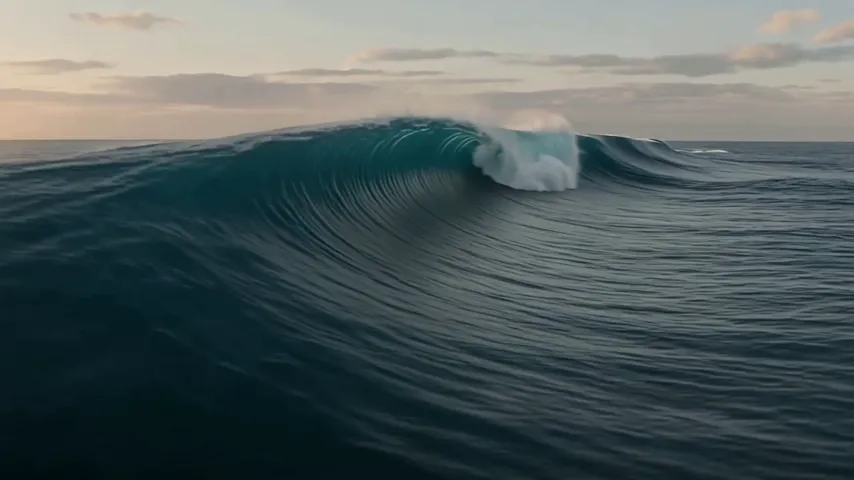
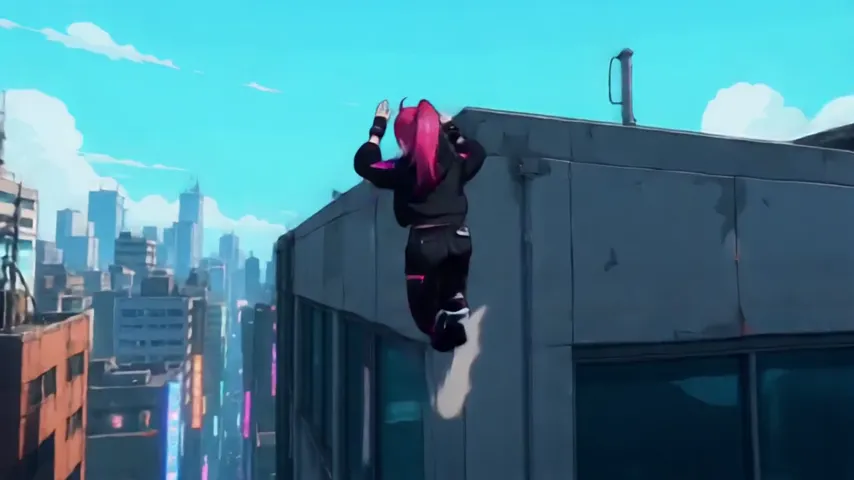
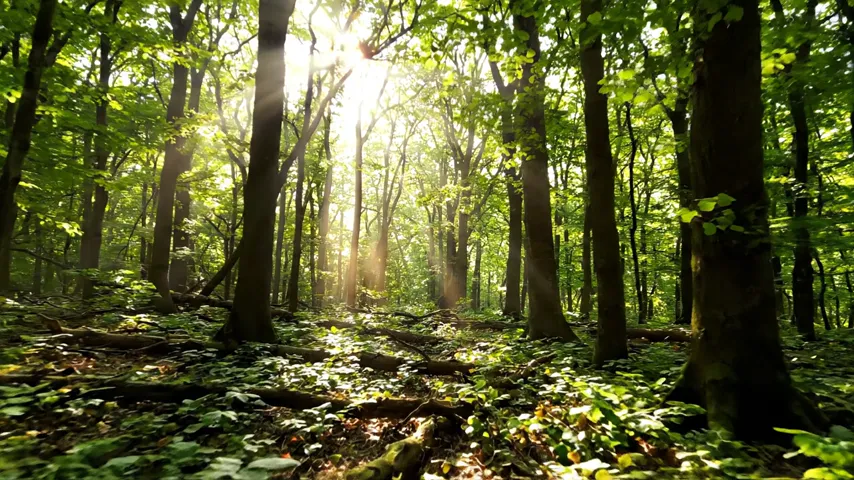
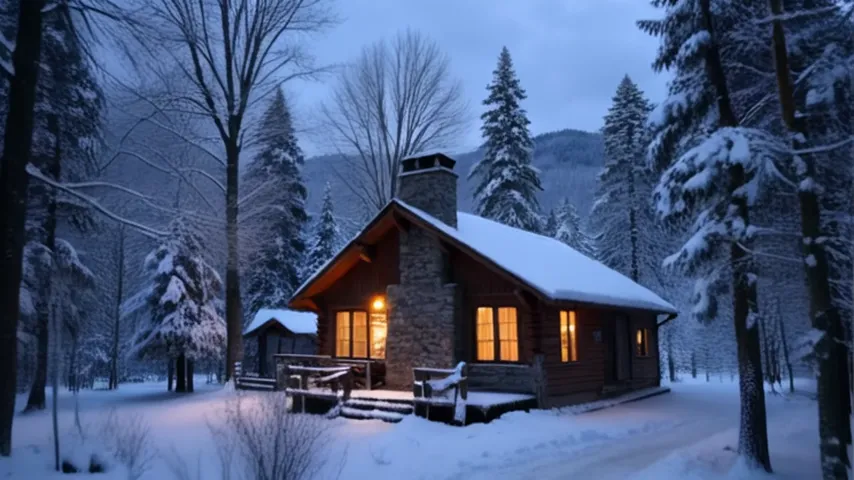
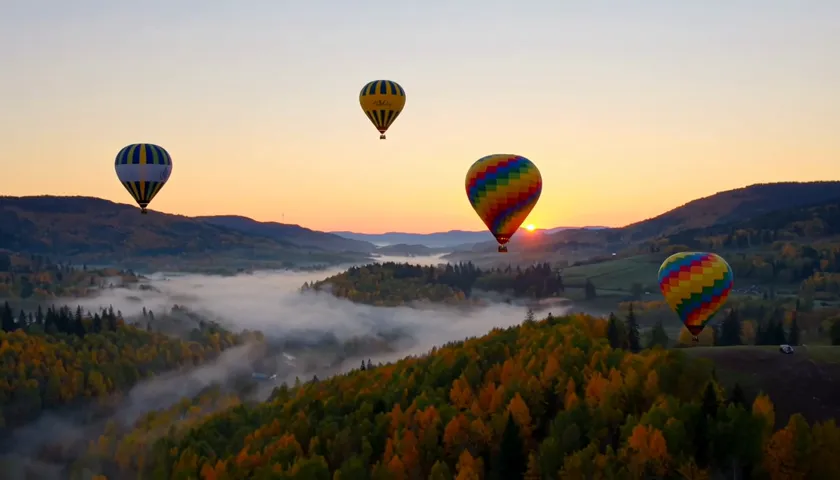
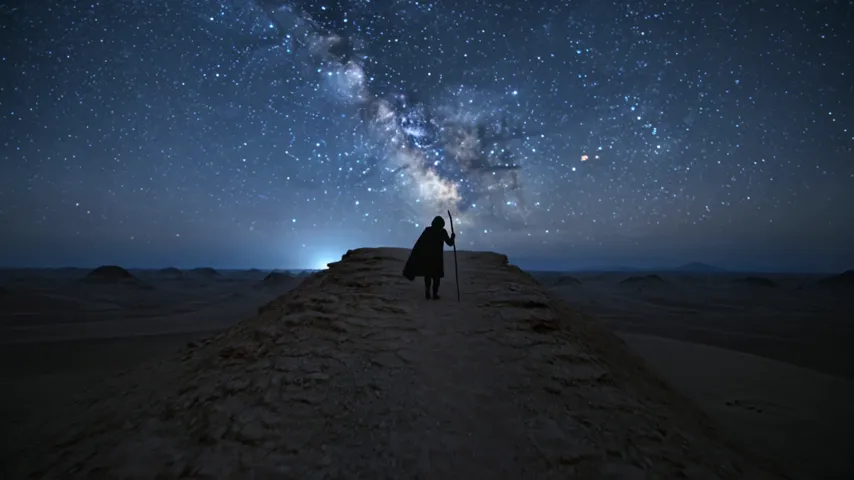
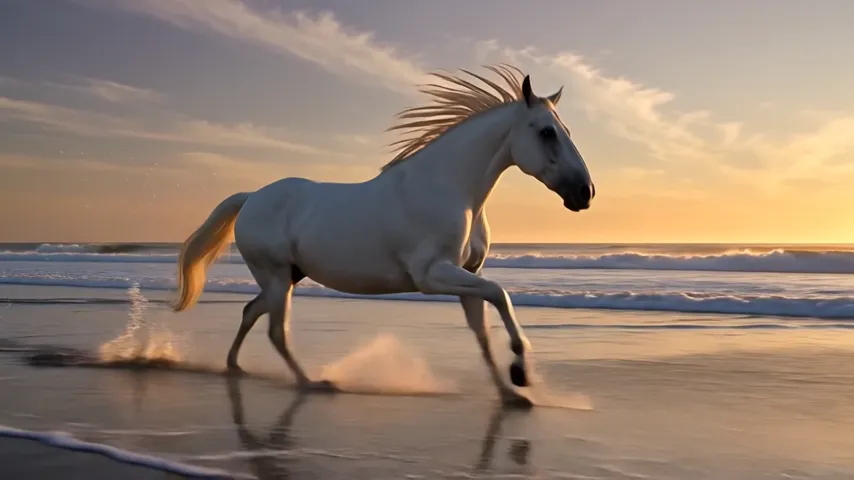
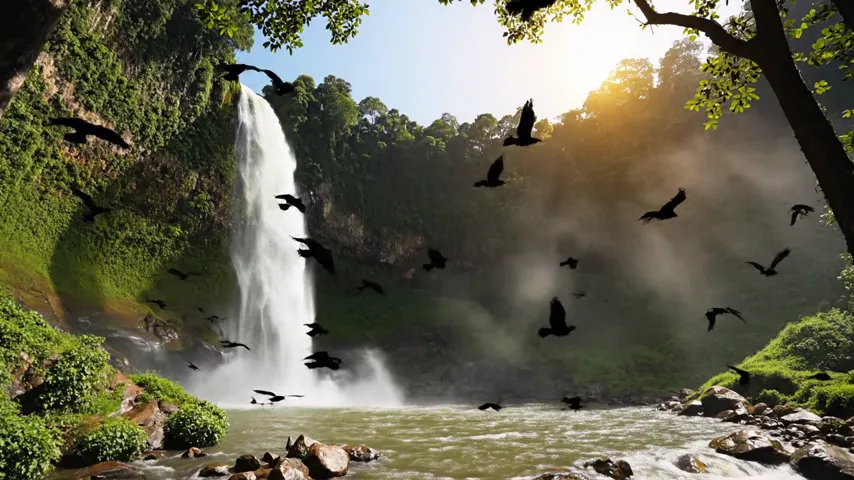
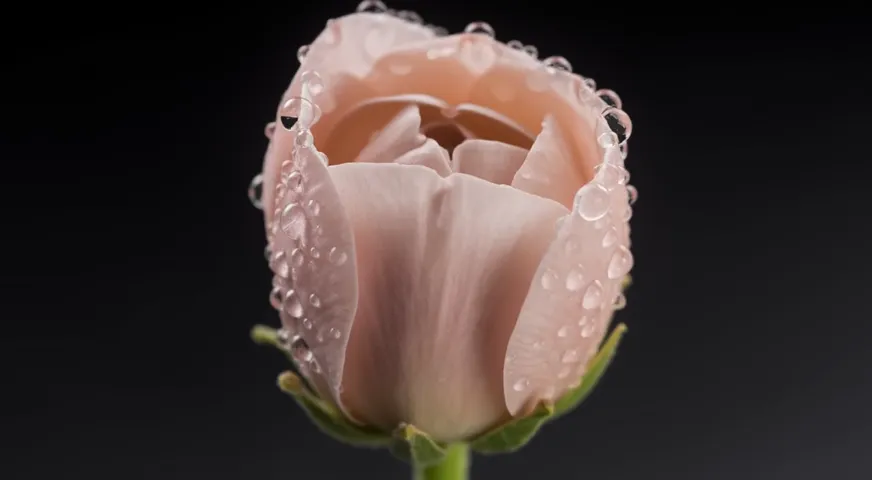
Product photos are animated for store listings: a rotation or a smooth camera push-in noticeably increases engagement in a catalog. Landscapes and illustrations work too — clouds, water and leaves in motion look natural. If you don’t have a source image, you can generate one from a description and animate it next.
How long it takes
Generating a clip takes from one to several minutes depending on the model and length. The finished video downloads without watermarks and can be used in your projects.
You can try it for free: you get 60 credits when you sign up, no card required.