


AI image editor

Upscale to 4K, remove backgrounds and unwanted objects, edit with a text prompt. Topaz, FLUX Kontext Max and other models — no Photoshop needed.

Try for free →⚡ 60 free credits · no card required
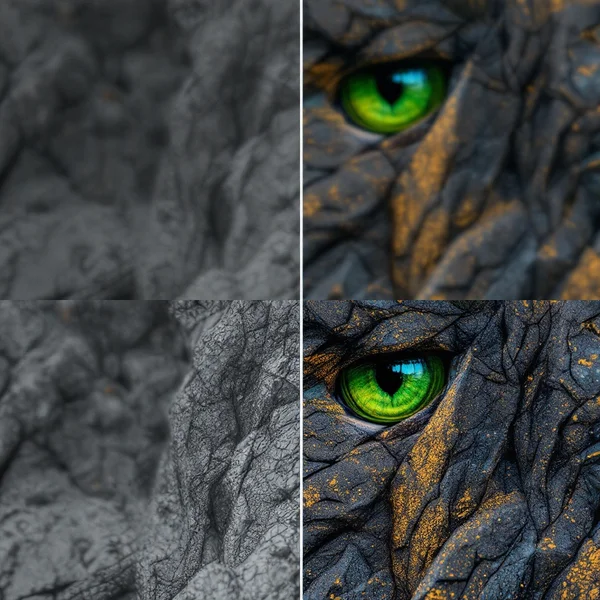
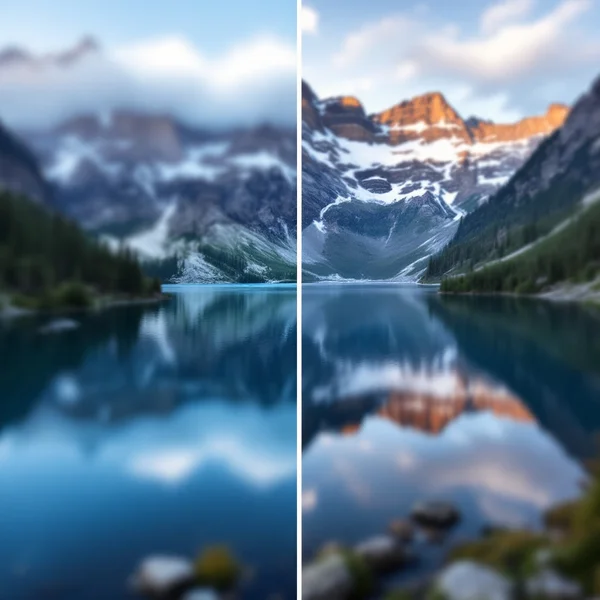
Topaz upscale — after
Topaz upscale — before
BeforeAfter

What the editor can do

🔍

Upscale to 4K

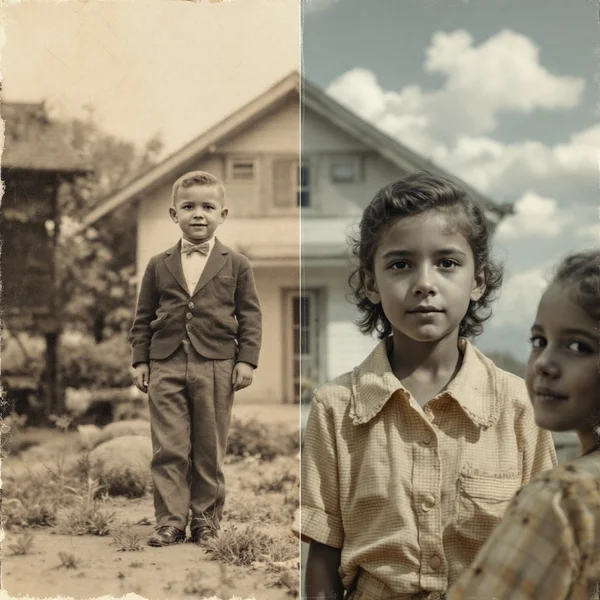
Topaz rebuilds detail instead of stretching pixels — old photos become print-ready.

✂️

Background removal

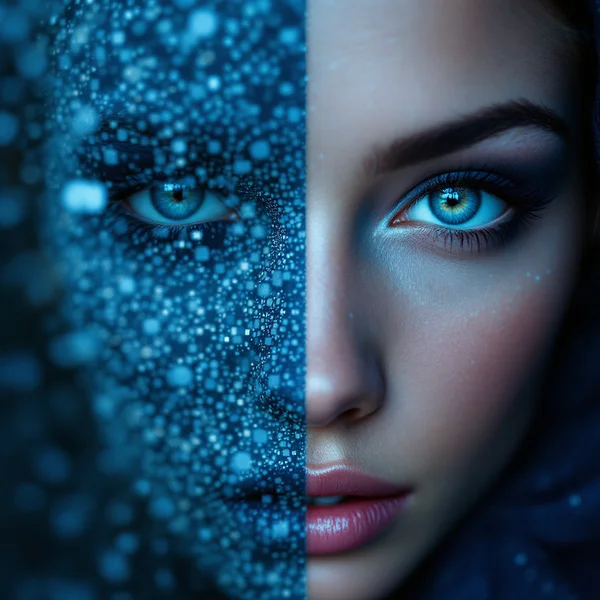
Cut-outs in seconds, including hair and fur. Outputs a transparent PNG.

🧹

Object removal

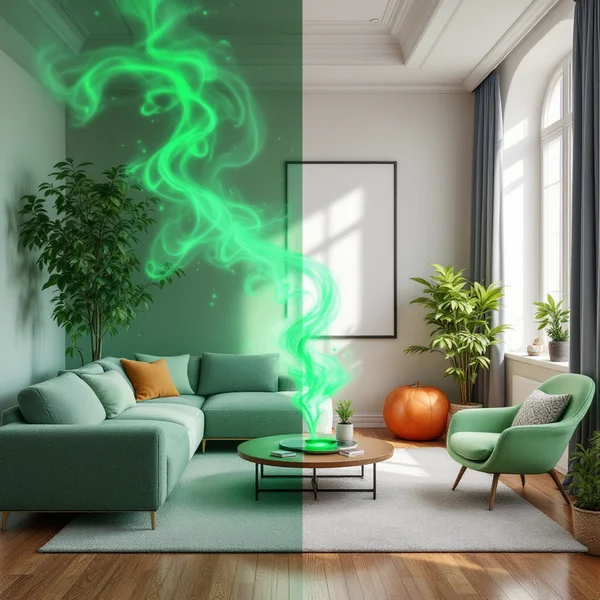
Describe what to remove — the model fills in what was behind it.

💬

Edits by description

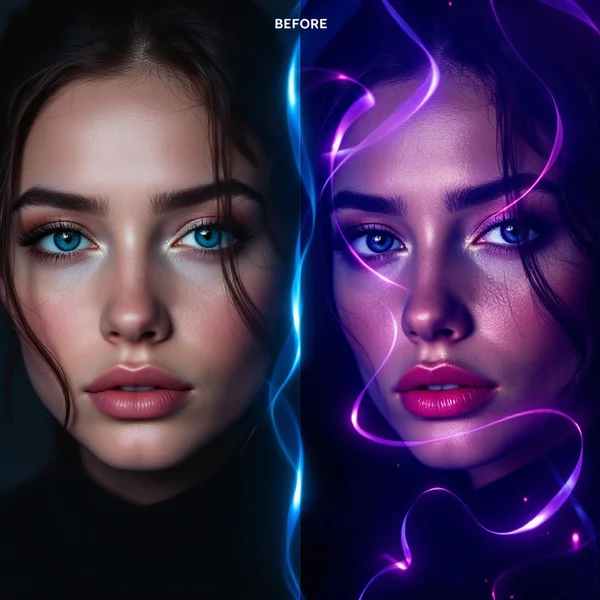
FLUX Kontext Max changes colors, backgrounds and details from a text command.

Examples

Before/after pairs for each feature — from editor model previews.

Topaz Upscaler — generation exampleTopaz Upscaler
Remove Background — generation exampleRemove Background
Object Removal — generation exampleObject Removal
FLUX Kontext Max — generation exampleFLUX Kontext Max
Clarity Upscaler — generation exampleClarity Upscaler
Seedream 4.5 Edit — generation exampleSeedream 4.5 Edit

Catalog

Editor models

Topaz, FLUX Kontext Max, background and object removal — in one subscription.

Recraft Crisp Upscale
Editor

Recraft Crisp Upscale

Recraft

Fast, faithful upscale

⚡from 1
Remove Background
Editor

Remove Background

Pixelcut

Background removal

⚡from 2
Object Removal
Editor

Object Removal

Black Forest Labs

Remove an object from a photo

⚡from 4
Seedream 4.5 Edit
Editor

Seedream 4.5 Edit

ByteDance

Prompt-based editor

⚡from 6
Реставрація фото
Editor

Реставрація фото

fal.ai

Old photos made new

⚡from 6
Заміна фону
NEWEditor

Заміна фону

Ideogram

New background from a prompt

⚡from 10
Topaz Upscaler
PROEditor

Topaz Upscaler

Topaz Labs

Upscale to 4K

⚡from 13
FLUX Kontext Max
PROEditor

FLUX Kontext Max

Black Forest Labs

Complex photo edits

⚡from 13
Clarity Upscaler
Editor

Clarity Upscaler

ClarityAI

Detail-enhancing upscale

⚡from 20

Where to get a source image

Upload your own file or use a result from image generation. You can then turn the photo into a video or into a business portrait.

Simple pricing

Prepay for 1, 6 or 12 months, no auto-renewal. Credits arrive every 30 days and never expire.

Starter

$4.99/mo

Billed for 30 days

⚡ 390 credits per month


Enough per month for about

  • 🖼 95 images
  • 🎬 9 videos of 6 s
  • 🎧 25 minutes of voiceover

or any mix — one shared balance

📱 For social media: 30 posts + 5 Reels per month


  • ✓ All 83 models — no restrictions
  • ✓ Generations 5% cheaper
  • ✓ Ready-made scenarios and templates
  • ✓ Support via Telegram
Choose Starter
POPULAR

Pro

$23.99/mo

Billed for 30 days

⚡ 1,990 credits per month


Enough per month for about

  • 🖼 490 images
  • 🎬 45 videos of 6 s
  • 🎧 140 minutes of voiceover

or any mix — one shared balance

📱 For social media: 180 posts + 30 Reels per month


  • ✓ All 83 models — no restrictions
  • ✓ Generations 10% cheaper
  • ✓ Ready-made scenarios and templates
  • ✓ Support via Telegram
Choose Pro

Ultra

$59.99/mo

Billed for 30 days

⚡ 5,190 credits per month


Enough per month for about

  • 🖼 1,250 images
  • 🎬 130 videos of 6 s
  • 🎧 370 minutes of voiceover

or any mix — one shared balance

📱 For social media: 492 posts + 82 Reels per month


  • ✓ All 83 models — no restrictions
  • ✓ Generations 15% cheaper
  • ✓ Commercial license
  • ✓ Personal manager
Choose Ultra

Estimated with FLUX.2 Pro (1024×1024), Hailuo 02 (6 s) and ElevenLabs Multilingual at the plan discount. Other models cost more or less — the exact price is shown on the model card before you run it.

Compare with separate AI subscriptions →

Ready to start?

60 credits for your first generations in available models

Create account →

Questions and answers

Up to 4K (about 4096 pixels on the long side) — enough for print and large layouts. Topaz Upscaler enlarges 2–4×, Clarity Upscaler is a budget option for the web.

Photo editing with AI

The editor covers four jobs people usually open Photoshop for: upscaling, background removal, removing unwanted objects and targeted edits. All of it is done by uploading a file and adding a few words — no graphic editor skills required. You can use your own files or generate a source image from a description.

Upscaling to 4K

AI upscaling is different from simply stretching a picture. Ordinary enlargement just blurs pixels, while the Topaz model reconstructs details: it restores the texture of skin, hair, fabric and small elements that physically weren’t in the original. That lets you bring an old low-resolution photo up to a size suitable for print — or to animate it into a video later.

Removing backgrounds and objects

Backgrounds are removed in seconds, including tricky cases with hair, fur and semi-transparent edges. The result keeps transparency, so the image is ready for a product listing or a collage right away.

Object removal works through a text description: you write what to remove, and the model doesn’t just cut the area out but reconstructs what was behind it. That’s how people remove random passers-by from the background, wires, litter and stray items from interior shots.

Edits by description

FLUX Kontext Max changes an existing image by text command: replace the background, change an object’s color, add or remove a detail. The original composition stays — only what you asked for is changed. For portraits there is a dedicated avatar generator.

All features run on one credit balance, no separate purchases needed. You get 60 credits when you sign up to try it.